
DESIGNING A KITCHEN WORKTOP ONLINE
Designing a kitchen worktop online can seem difficult for those without technical skills or specific professional, especially when designing special elements such as a custom-made hob, with pre-established dimensions and details to be adapted to the available space.
However, with Barazza solutions, designing a kitchen worktop online has never been so easy thanks to the Lab and B_Free Fusion configurators that allow you to set up your own worktop according to your tastes and needs. Simply go to the online configurator and select the desired products indicating dimensions and specifications to get your own custom-made worktop.
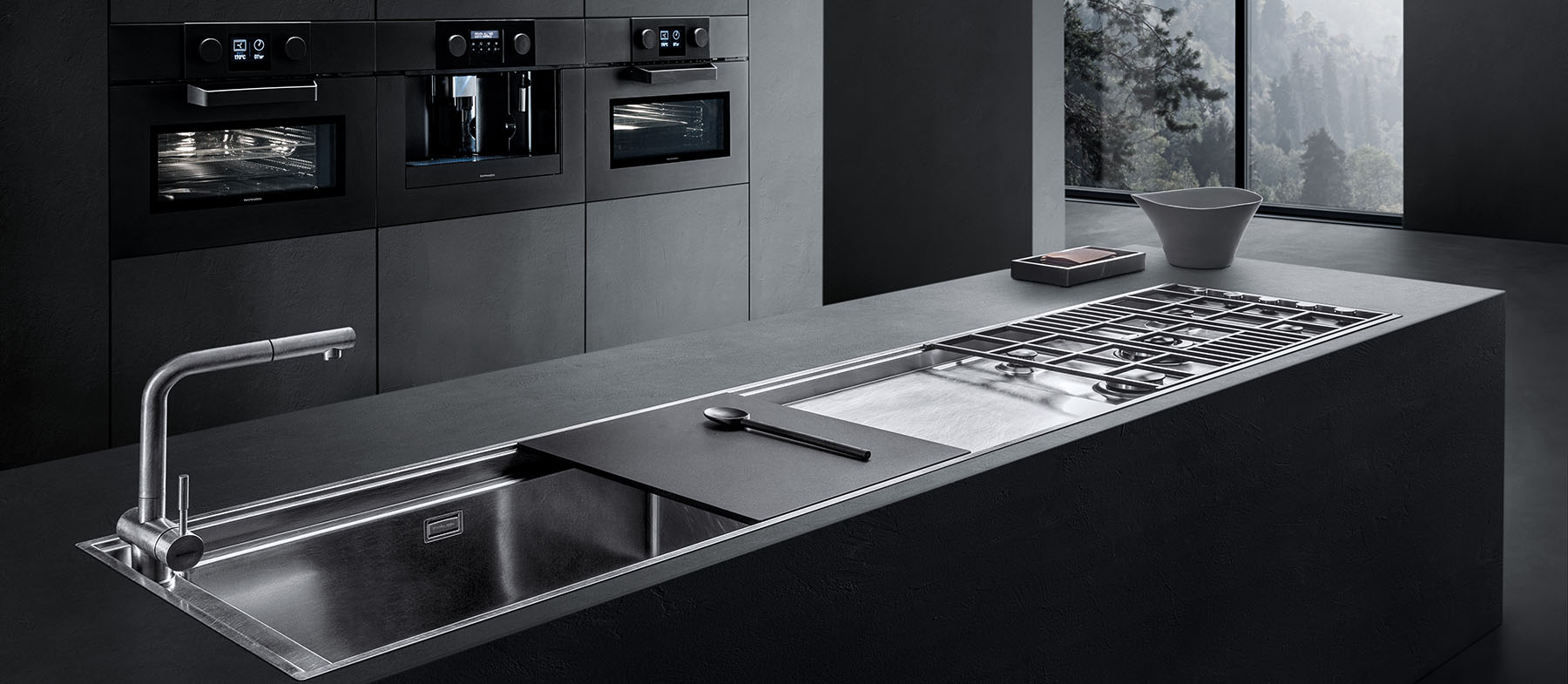
Barazza’s Lab products focus on elegance and functionality, distinguished by surfaces that are perfectly flush with the worktop. Thanks to this installation detail, you can practically integrate stainless steel accessories such as chopping boards and racks, making them easy to slide while also simplifying everyday care and cleaning.
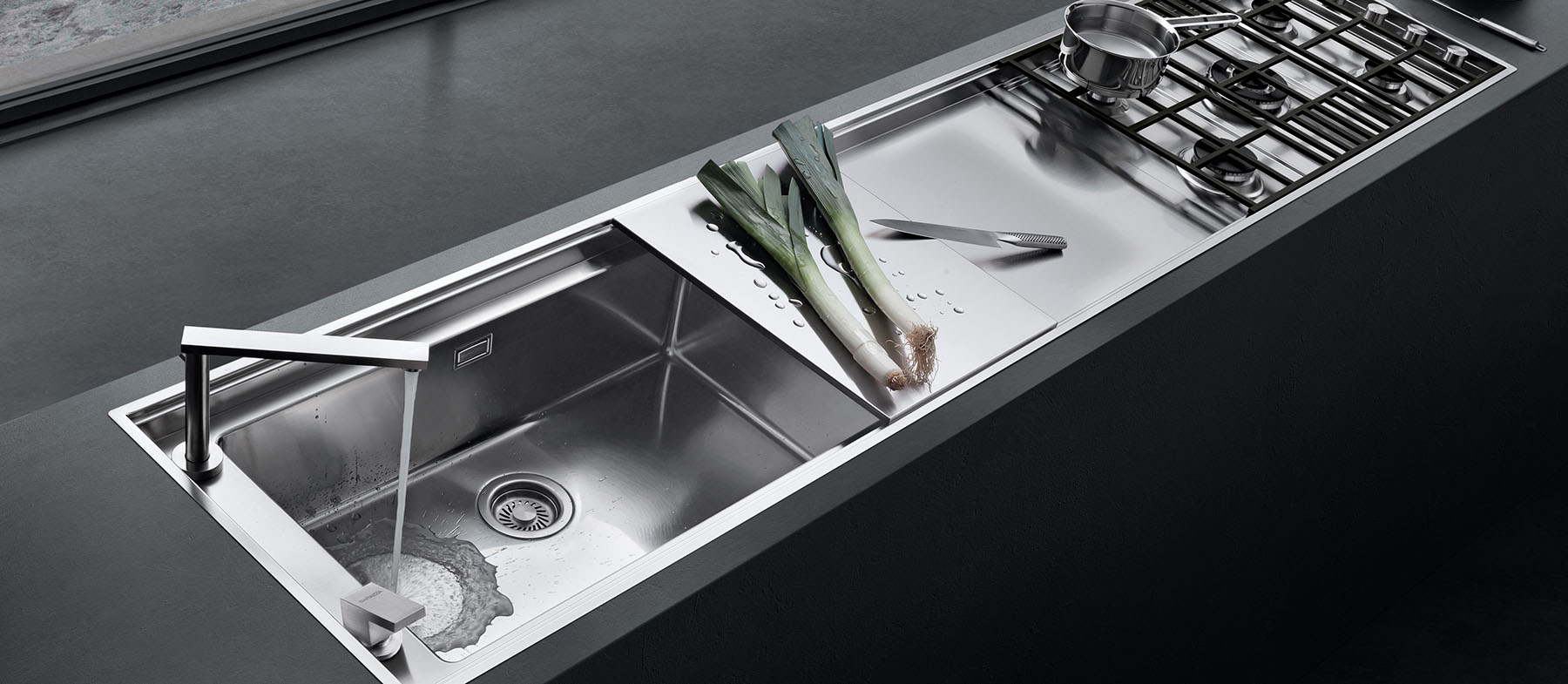

The Lab Fusion configurator allows you to combine the various types of Lab hobs and square bowls, choosing size and characteristics to design a kitchen online in line with your needs.
After creating your own customized hob, you can download a summary of the selected products, complete with measurements and details, and a 3D view of the hob.
If desired, it is also possible to send the company an instant request for an estimate based on the project implemented.
Designing a worktop online has never been easier!
HOW TO USE THE
CONFIGURATOR
INSTRUCTIONS
The configurator allows you to create and visualize your LAB FUSION built-in worktop in a few easy step, even with mobile devices and tablets.
In the bottom of the page you will visualize the available products and choose them with a simple click of the mouse.

With this command you can define the width of the worktop, default is 510mm.

The MODIFY button allows a real interaction with the elements: you can move, remove or separate the various elements defined previously, in case you want to reset the configuration to zero, just press the RESET button.

The first button will allow you to define specifically the length of the worktop in mm, the second one will reset all spaces to minimum, the last one will adjust the length of the worktop to the elements you have previously inserted.

Once set all the parameters, you can check the information of the general project, or print it or send it to our office for a quote.

